Table of Contents
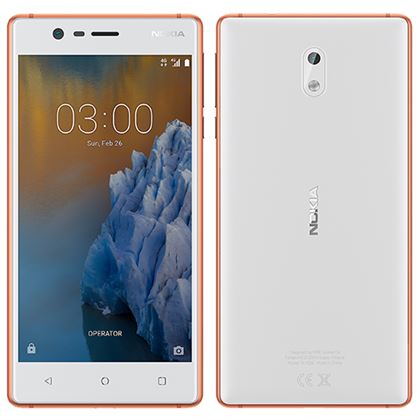
Nokia android phones are released with locked bootloader and bloatware, so Nokia 3 released with locked bootloader and bloatware. So you need to unlock bootloader before tweaking your phone. After unlocking the device, you can root the device also you can install TWRP Recovery.
See Also
Nokia 3 Specifications, Features & Price
How To Install TWRP Recovery On Nokia 3
Prerequisites
- Charge Your Device.
- Backup Phone Apps, Contacts, SMS.
- Required Android 7.0.
- Enable USB debugging.
- Enable OEM unlock.
- Install Nokia drivers.
Guide To Unlock Bootloader OF Nokia 3
- Read Preparation backup files, Install driver.
- Download and unzip “adb-fastboot-tool.zip”.
- Connect your phone.
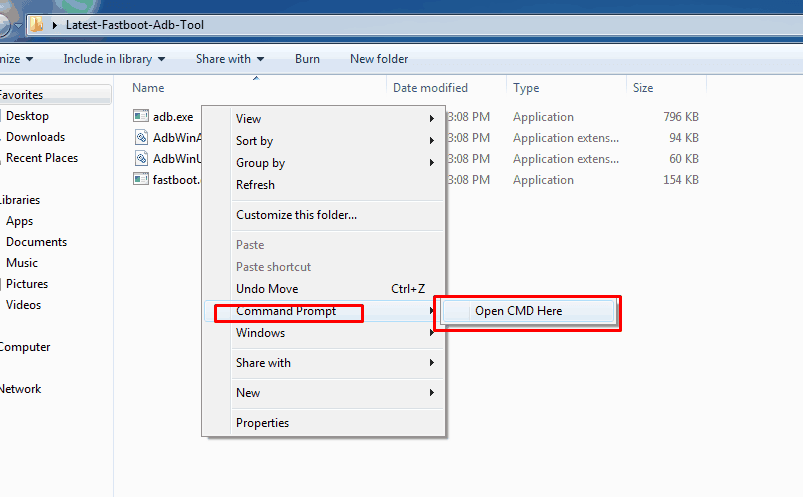
- Go To adb-fastboot-tool Folder and Open Command Prompt there By (Shift + Mouse Right ) -> Open Cmd Here.
- Now Type This command then hit enter to switch your phone into bootloader mode.
adb reboot bootloader
- Use this command to Unlock Bootloader Of Nokia 3.
fastboot oem unlock
- Confirm the unlocking on the phone it will erase phone data and reset the device.